How to Validate Data in Excel
Our FREE Validate Data document will guide you step by step through creating a validated drop down list in Excel. Drop down lists are great when you need to maintain consistency in data entry. Review our
Checkbook Register
to see the power of validated drop down lists.
The below document assumes you are using Microsoft Excel version 2007. This document is a pdf file and can be opened with Adobe Reader.
Click on the below image or link to download the document. Choose "Open" to immediately open the file, or choose "Save" to save the file to a location on your computer.
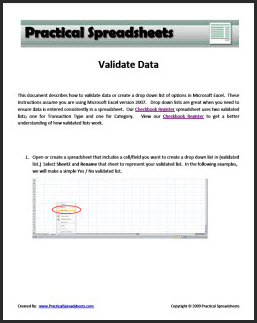
Click here to download our FREE Validate Data Document
Return to Complete List of all Excel Tips & Tricks
|

